ACS Challenge (Flow B)
This step is only required if the response from the Initialisation API (Flow B) indicates the challengeRequired property is set to true, and the status is ACS_REQUIRED.
This response should contain another redirectUrl property.
There are two options:
-
Perform a full browser redirect to ACS challenge page (If a
merchantRedirectUrlwas present in the 3DS Initialisation API request body.) -
Use an ACS challenge iframe.
Option 1: Perform a Full Browser Redirect
Use the redirectUrl in the response to perform a browser redirect, where the ACS challenge will be hosted.
Once the challenge is complete, the user will be redirected back to the merchant site.
The transID can be extracted from the URL parameters, appended to the merchant’s URL. This is what the URL might look like:
https://merchantsite?result=SUCCESS&transID=6b65860e-a9ee-416d-b8a9-e6b674634470&threeDsStatus=ACS_COMPLETED
A merchantRedirectUrl must have been initially supplied in the Initialisation API.
Once the transID has been extracted from the URL, it can be used to call the Result API.
Option 2: Use an ACS challenge iframe
If a merchantRedirectUrl was not supplied, create an iframe to contain the ACS challenge.
Set up Iframe HTML
Use the redirectUrl as the src property. Example iframe code:
<iframe
    src={redirectUrl}
    title="ACS"
    style="width: 100%; height: 100vh">

</iframe>
Iframe Width and Height
The default size of the challenge iframe will be full screen. However, if the acsWindowSize property was specified in the 3DS init call, then the iframe must have the same width and height as the acsWindowSize provided.
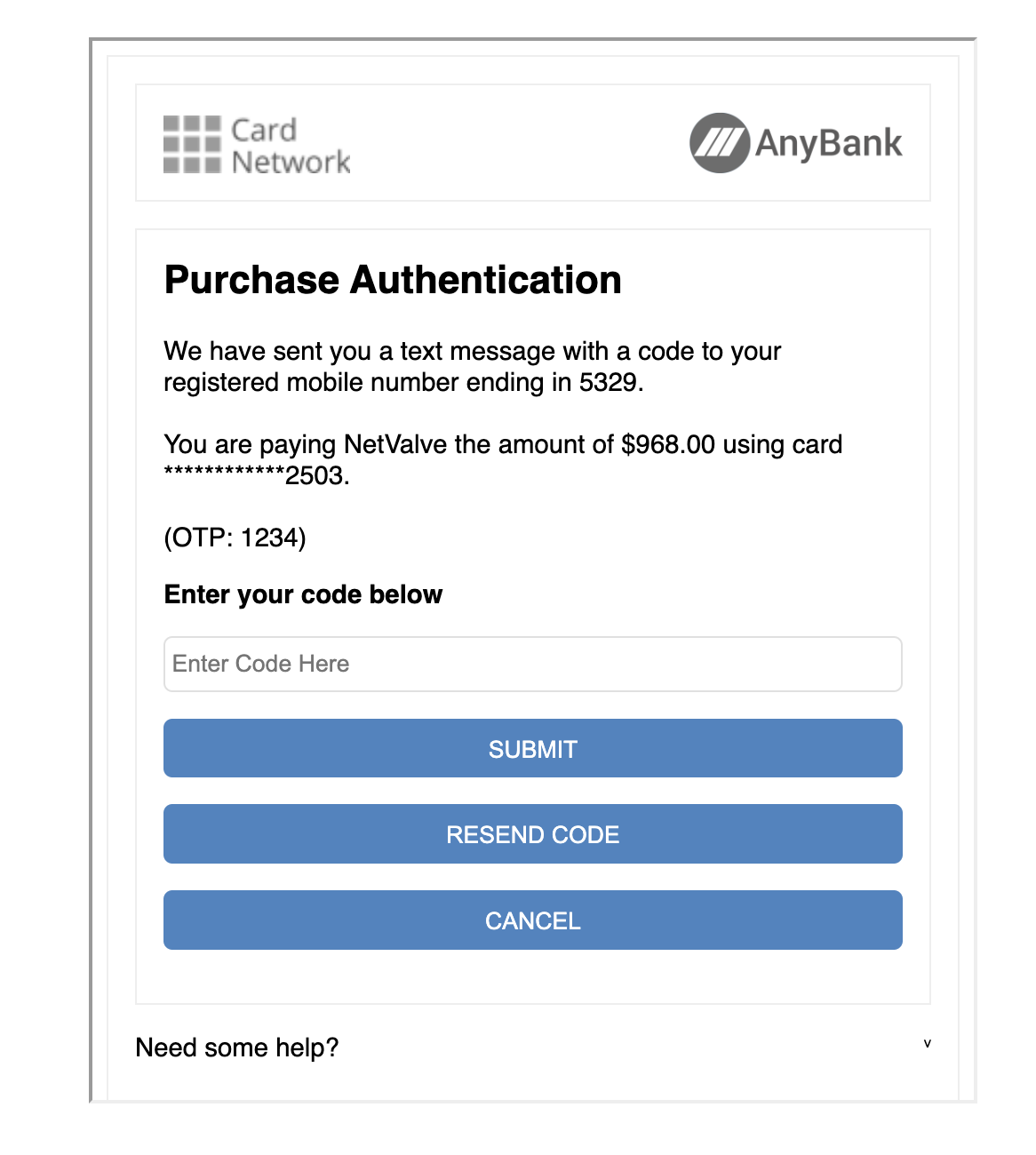
Create a POST Message Event Listener
The merchant site needs to know when the challenge is complete, and can proceed to call the 3DS Result API. This done via a window.postMessage from the iframe.
Create an event listener on the page to receive this event. For security purposes, make sure to check the origin of the message and that it comes from the NetValve's domain.
const handlePostEvent = (event) => {
  if (event.origin === 'https://3dsecuresuite.uat.sandbox-netvalve.com') {
      const data = event.data;
      // Use the data to perform STEP 3
  }
};

// Be sure to attach the listener
window.addEventListener('message', handlePostEvent, false);
Extract the Message Data
Inside the event.data is the following object. The expected status is ACS_COMPLETED.
{
    result: 'SUCCESS',
    threeDsResponse: {
        status: 'ACS_COMPLETED',
        transID: 'abc',
        providerErrorMessage: ''
    };
};
Once the message is received, in both cases success or fail, proceed to call the Result API.
Expected Properties and Values
result : 'SUCCESS' | 'ERROR' - Use this for error handling.
SUCCESS refers to the success of the 3DS initialization step. It does not mean that the 3DS values have been retrieved.
-
status : 'ACS_COMPLETED' | 'ERROR' | 'CALLBACK_PROCESSING_ERROR' | 'TIMEOUT' | 'INVALID_TRANS_ID' | 'MAX_IFRAME_RELOADS' transIDis the 3DS transaction ID;providerErrorMessagewill contain the error message from the 3DS provider, if any.
Proceed to Fetch the Result
Proceed further to call the 3DS Result API (Flow B).